
Link Reclamation: How to Find and Fix Broken Backlinks for SEO
I spent three months building links last year. Checked my profile last week and half were gone. Here's what I learned about getting them back.
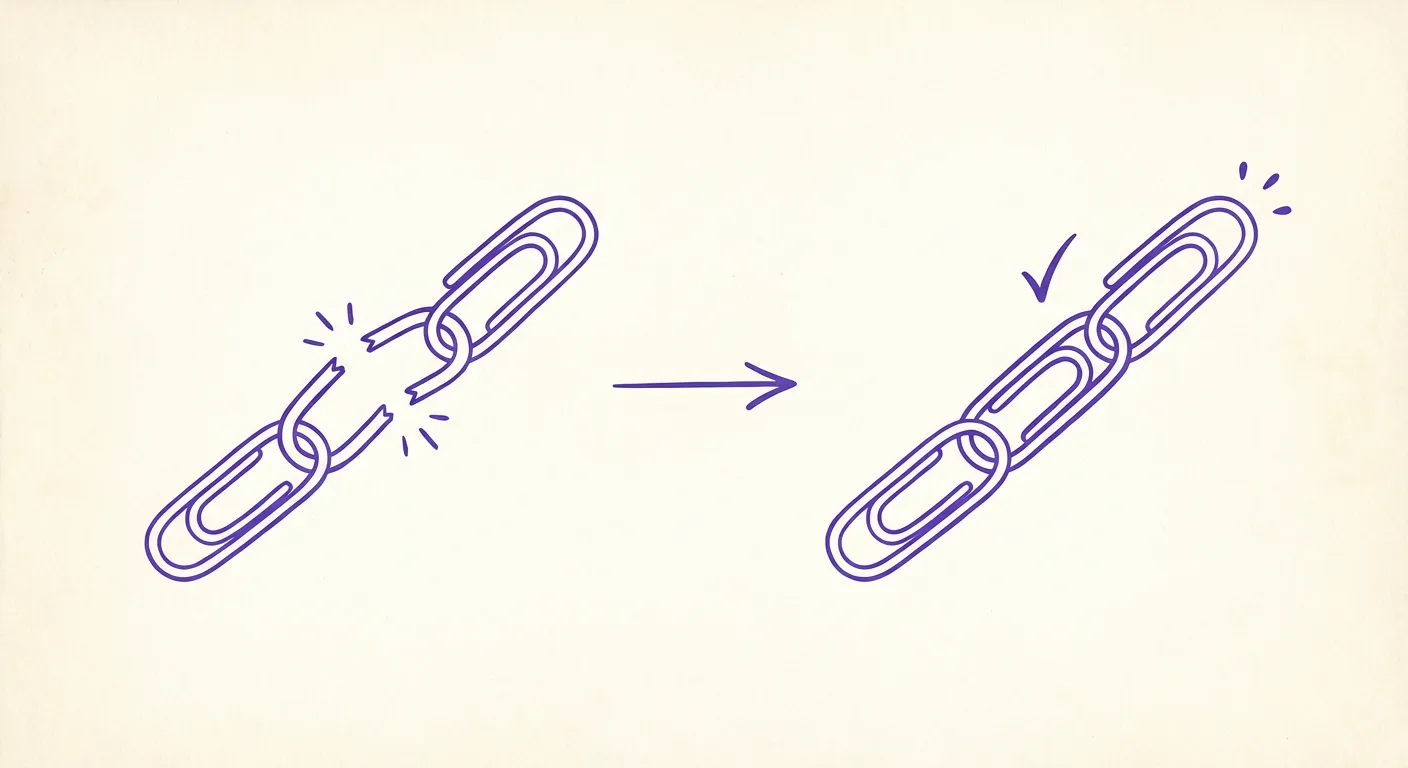
I was checking my backlink profile last month when I noticed something weird. A link I'd worked hard to get from a DR 65 marketing blog? Gone. Pointed to a 404 now. Then I looked closer. A guest post I wrote? The whole site had been redesigned and my link vanished. A product mention on Reddit? The thread got archived weirdly and the link broke.
Three links from one month of checking. I hadn't even been looking that closely before.
Turns out 66.5% of links to sites in the last nine years are dead. Two out of every three. I knew link decay was real but seeing it happen to my own links hit different.
So I went down a rabbit hole on link reclamation. Finding and fixing broken links pointing to your site. It's way faster than building new ones (like, 30 minutes vs 10-20 hours per link). And since you already earned the link once, people are usually willing to fix it.
Here's everything I learned.
Wait, link reclamation vs broken link building?
Quick distinction because I kept confusing these:
Broken link building is finding someone else's dead link and pitching your content as a replacement. Cold outreach, basically.
Link reclamation is finding links that already pointed to YOUR site but broke somehow. You're not pitching strangers. You're asking someone to fix something they already decided to link to.
The second one is way easier. The person already vetted you. They already decided your content was worth linking to. You're just saying "hey, the URL changed" or "hey, that page moved." Most people will update it because they don't want broken links on their site either.
The math made me pay attention: if you're losing 50 links a year (which is totally normal for a site with 1,000+ backlinks), that's 500-1000 hours of new link building just to stay even. Or you could spend like 30 minutes reclaiming each lost one.
Why links break (it's usually boring stuff)
I expected some dramatic reasons. The reality is mundane.
They redesigned their site. Most common one. Someone migrates to a new CMS, changes their URL structure, forgets to set up redirects. Your link now points to nothing. This happened to me twice last month alone.
They deleted old content. Spring cleaning. Some marketing person decides to "archive" posts from 2022. Your link was in one of them.
The domain expired or got sold. Less common but happens. The site that linked to you doesn't exist anymore.
Someone "cleaned up" outbound links. This is annoying. Some SEO consultant tells them to reduce "link leakage" so they go through and remove external links. Yours included.
Your fault. Yeah, this one stung. I realized some of my broken backlinks were because I'd changed my own URL structure and didn't set up proper redirects. Oops.
The good news: all of these are fixable if you catch them.
Finding broken links (easier than I expected)
I thought this would be tedious. Turns out the tools make it pretty straightforward.
Ahrefs is the fastest. Site Explorer > your domain > Backlinks > filter by "Broken." Done. You see every backlink pointing to a 404 or redirect error on your site. Sort by DR so you focus on the valuable ones first. I found 23 broken links in maybe 5 minutes this way.
Google Search Console works if you're on a budget. Pages > Index > "Not found (404)." Shows you which pages on your site are getting 404 errors. Then you cross-reference with your backlink data to see which ones actually have inbound links. More steps but free.
Semrush does basically the same thing. Backlink Analytics > your domain > "Broken Backlinks" under Issues. Same idea, different interface.
The real move is setting up alerts. I now get weekly emails from Ahrefs when I lose links. Catches problems early instead of me finding out months later. Takes 2 minutes to set up.
When a DR 50+ link breaks, I investigate same day. The longer you wait, the harder it is to fix.
What's actually worth your time
Not every broken link is worth chasing. I learned this the hard way after spending an hour trying to reclaim a link from a DR 8 site that barely gets any traffic.
Focus on:
- DR 40+ sites (lower than that is usually not worth the effort)
- Sites actually in your niche
- Dofollow links (nofollow doesn't pass ranking credit)
- Pages that get real traffic (check in Ahrefs)
Spam sites, random directories, sites that look like PBNs? Let those stay dead. You don't want those links anyway.
Three ways to fix them
Once you find broken links, you basically have three options. Here's what I've learned about each.
Just restore the page
If the broken link points to something you deleted, bring it back. Simplest fix. No outreach needed. The link just starts working again.
I had a blog post from 2023 that I'd removed during a "cleanup." Two decent links pointed to it. I republished it (updated with new info) and boom, both links active again. Took 30 minutes.
Set up a 301 redirect
Sometimes you don't want the old page back. Maybe you merged content or have a better version now.
Redirect the old URL to the new relevant page. If /blog/seo-tips-2023 is gone, redirect to /blog/seo-tips-2026. Most of the link authority transfers.
Don't just redirect everything to your homepage. That's lazy and you lose most of the value. Find the closest match.
Email them (less annoying than you'd think)
When the link broke on their end, you'll need to reach out. I was nervous about this at first. Felt like begging. But honestly? Most people appreciate it.
Here's what I send:
Subject: Quick fix for broken link on [their page title]
Hi [Name],
I noticed you linked to our [topic] article on [their page URL].
The link currently goes to [old URL] which 404s now. We moved that content to [new URL].
Mind updating it? Nobody wants broken links on their site.
Thanks!
Short. Make it easy. Don't add a pitch. My response rate is maybe 40-50% which honestly surprised me.
Making outreach not suck
I've sent probably 50 of these emails now. Here's what I've learned.
Personalization matters but not as much as I thought. One sentence showing you actually saw their page is enough. "I was reading your roundup on X and noticed..." That's it. Don't overthink it.
Make it stupid easy. Give them the exact URL with the broken link, the old URL that's broken, and the new URL to replace it with. Copy-paste simple. Every extra step you add loses people.
One follow-up max. If they don't respond after 5-7 days, send one follow-up. Still nothing? Move on. Chasing people for weeks is a waste of time. There are other links.
Track everything. I use a simple spreadsheet: site, URL, date contacted, response. Nothing fancy but it keeps me from accidentally emailing the same person twice like an idiot (which I did before I started tracking).
How often should you actually do this?
I do it monthly now. Calendar reminder, first Monday of the month. Takes maybe 1-2 hours.
Link decay runs about 7% per year. So if you have 1,000 backlinks (which is a reasonable number for an established site), you're losing like 6 links per month. That adds up.
Quarterly is fine if you're busy. Monthly is better. Weekly is overkill unless you have a massive site.
Why this beats building new links
I timed myself on both.
Getting a new link from scratch:
- Finding prospects: 2-4 hours
- Writing outreach, following up: 3-6 hours
- Creating content if needed: 5-10 hours
- Total: like 10-20 hours per link (and that's if it works)
Reclaiming a broken link:
- Finding it: 5 minutes (tools do this)
- Writing email: 10 minutes
- Follow-up: 5 minutes
- Total: maybe 30 minutes
That's a 20-40x difference. And the success rate is higher because you're not cold-pitching. They already decided to link to you once.
Mistakes I made (so you don't have to)
Redirecting everything to my homepage. Did this early on. Lazy. Google barely passes any authority when the redirect target is totally unrelated. Find the closest relevant page.
Ignoring my own internal broken links. Embarrassing. I had like 50 internal links pointing to 404s before I noticed. Fix your own house first.
Waiting too long. I found a link that had been broken for 8 months. Reached out. The page had been completely rewritten and my link was gone from the content, not just broken. If I'd caught it at month 2, probably could have fixed it.
Trying to reclaim everything. DR 12 site with no traffic? Who cares. Focus on the ones that actually matter.
The scale problem (and how Revised thinks about it)
Here's the thing. Link reclamation works great when you have maybe 20-30 broken links to fix. Manual outreach is fine. You can handle it.
But what if you could skip the one-by-one approach entirely?
Revised takes a different angle. We find expired domains that already have quality backlinks from places like Wikipedia, Reddit, and Hacker News, verify their history, and publish the evidence. You register the domain yourself and redirect the contextual links to relevant pages on your site.
You're not reclaiming individual broken links. You're inheriting entire link profiles that took years to build.
It's basically link reclamation at scale, without the outreach. The links are already there. The authority already exists. We just point it at you.
If you're tired of the manual grind, see how it works.
Tools I actually use
Ahrefs - This is my main one. The "Broken" filter in Site Explorer finds everything quickly. Alerts are what make it hands-off between manual checks. Expensive but worth it if you're doing this seriously.
Google Search Console - Free. Shows 404 pages on your site. You have to cross-reference with backlink data to see which ones have inbound links but it works.
Screaming Frog - Desktop crawler. I use this to find my own internal broken links before worrying about external ones.
Semrush - Good alternative to Ahrefs. Similar features, different interface. Pick whichever you prefer.
Just pick one. Set up alerts. Check monthly. You don't need all of them.
The boring stuff that works
Look, link reclamation isn't exciting. Nobody's going to feature you in a case study for "found and fixed 15 broken links." It's not as satisfying as landing a guest post on a big site.
But it works. And it's way faster than building new links.
You already earned those links once. Don't let them evaporate because someone redesigned their site or you changed a URL.
Check your profile monthly. Fix the valuable ones. Stop the leak.
Or if you want to skip the manual work entirely, browse the directory for expired domains already carrying the authority you'd otherwise spend months rebuilding.
Either way, stop losing what you already built.